
If your order has been successfully delivered and you are satisfied with the item(s), please follow the below steps to confirm receipt:
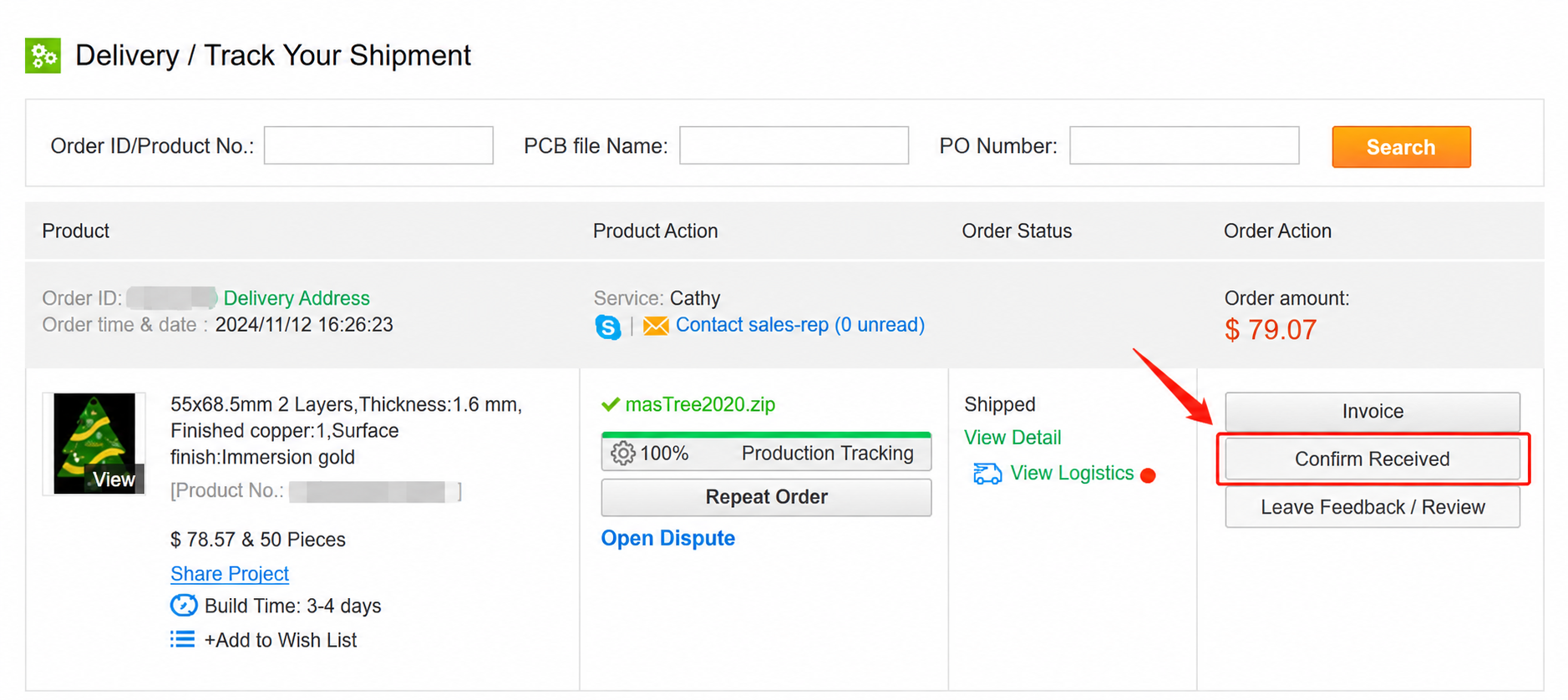
Step 1: Sign in to Delivery and locate your order;
Step 2: Click Confirm Received.
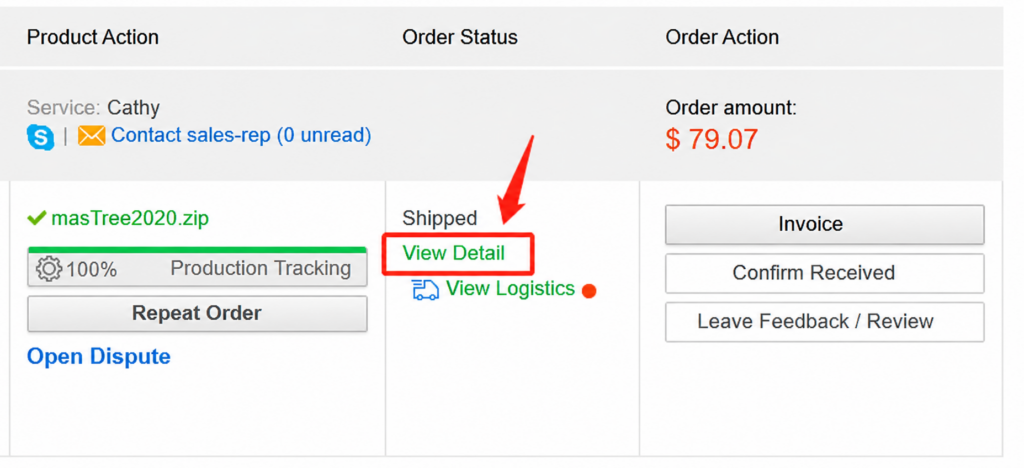
Or, click View Detail -> Confirm Received.
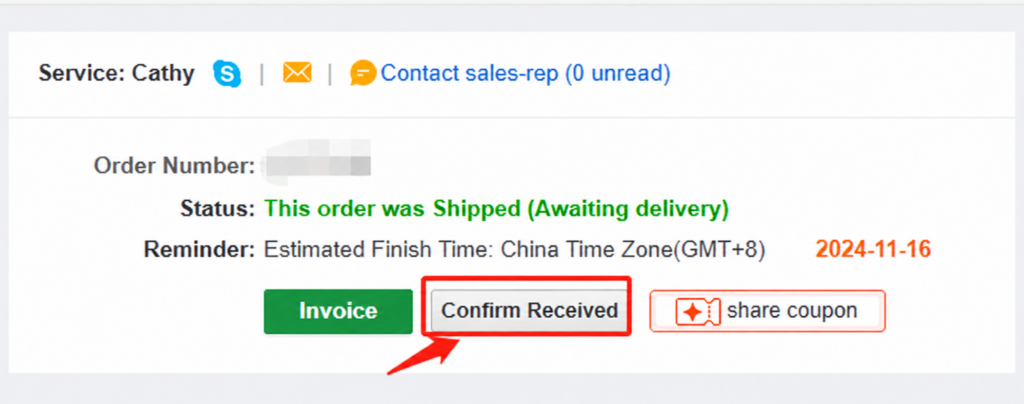
Step 3: Click Confirm and the order will be completed.
Note:
If the order is not delivered on time but the sales representative has confirmed shipment, please contact your sales representative for the details.
You can open a dispute for a refund if:
The items are not as described.
The order doesn’t arrive within the stated delivery time.